
Vaskeriget payment app
Your wash.
On your phone.
Get the app on your phone, find the payment terminal at the laundromat and follow our guide to paying by card.
Scan with your phone
 iPhone · App Store
 Android · Google Play
Scan the code with your phone’s camera, or use the download buttons above.
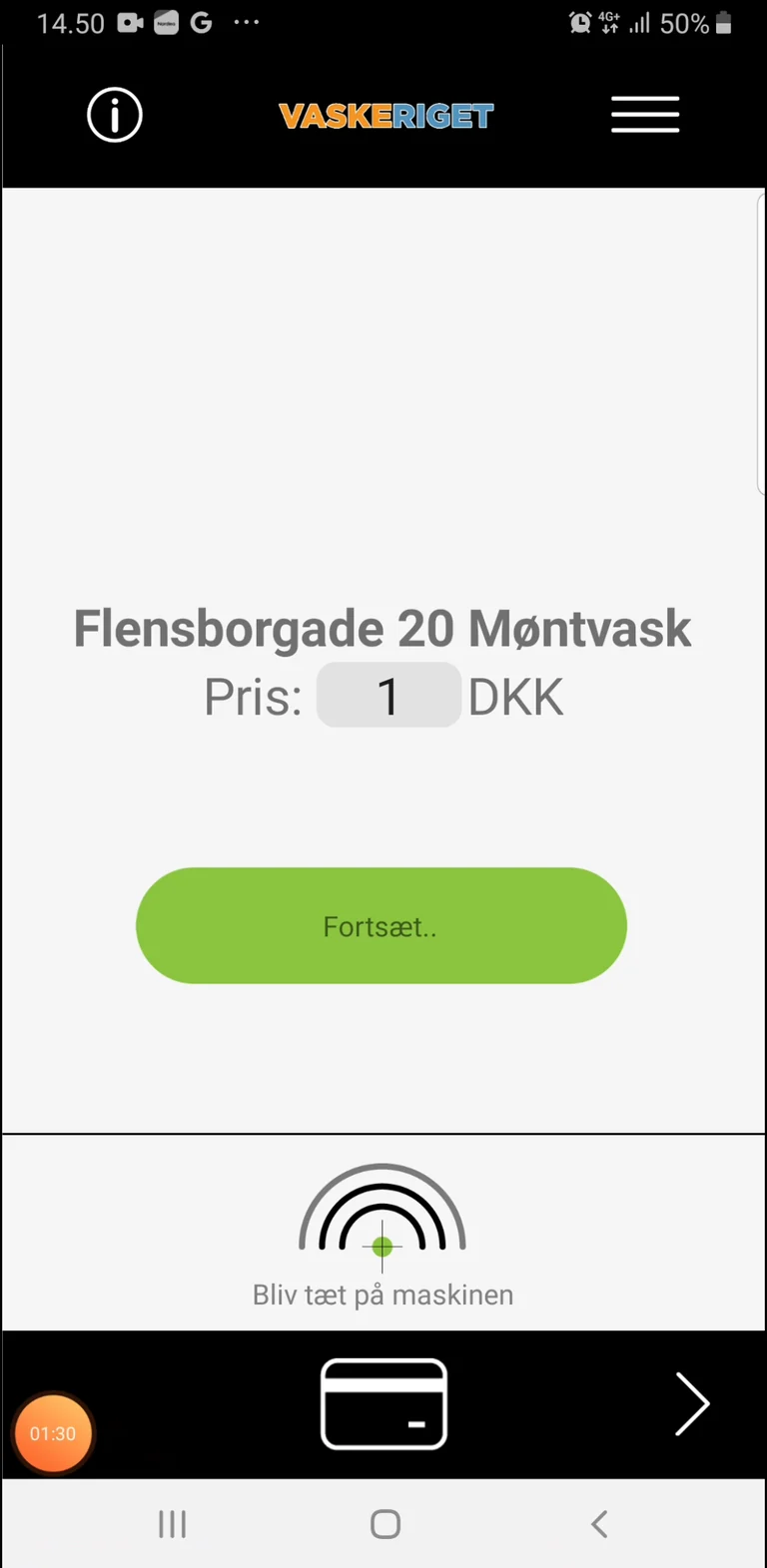
Example from the appThe amount on the screen is an example.
MobilePay or card payment.

Vaskeriget is a coin-operated laundromat. As well as coins and banknotes, you can pay by card (VISA/Dankort, Mastercard and Maestro). Here is a short guide to paying by card.
Get
started.
Four steps before you pay. Start by downloading the app, then open it at the laundromat.
Download the app
Download the app from App Store or the Google Play Store.
Allow location access
Open the app and allow it to use your location. Then tap the tick in the information box.
Find the payment terminal
Wait up to 30 seconds for the app to recognise the payment terminal at the laundromat and display it on your screen.
Choose Credit Card
To choose a payment method, tap the small white arrow in the bottom-right corner of the app. Then tap “Credit Card”.
Pay
by card.
The amount is transferred to the payment terminal at the laundromat.
Enter the amount
In the field next to “Price”, enter the amount you want to transfer to the payment terminal.
Tap Continue
Tap “Continue”.
Complete the payment
Enter your card details, then slide the green “Pay” bar to the right to complete the payment.
Create your PIN
Create a PIN by entering it twice to confirm it.
Check the amount on the terminal
Your payment is complete. The amount will appear on the payment terminal at the laundromat.
Enter the amount and your card details in the app. Once payment is complete, the amount appears on the terminal.
You’re ready
to wash.
It is that easy! You can pay by card at all our laundromats. Find out more about our laundromats on the home page.
Find your laundromat